When it comes to selecting the best rpm providers, the differences often lie less in the features they offer and more in who’s actually doing the day-to-day work. Having a clear checklist can help highlight these differences.
This guide highlights the 12 key points in rpm vendor evaluation before you make a commitment. It’s designed to assist you in evaluating any RPM vendor, whether you’re starting your first program or looking to replace a company that hasn’t met your expectations.
How to Use This Checklist
Score each company from 1 to 5 on every point. Weight the points that matter most to your practice. A practice with limited nursing capacity should weigh points 4 through 7 most heavily. A practice with a strong care team may weigh pricing and integration more.
Stick to the same questions for every company. Using consistent questions ensures that the answers are comparable, making it easier to identify the best RPM providers.
It would be great if you involve your physician, your lead nurse, or any other technical person when evaluating the company process.
A Short Overview of the Services
Remote patient monitoring (RPM) is a service that collects physiologic data from patients at home, such as blood pressure, glucose, oxygen saturation, and weight, and transmits it to the care team.
Chronic care management (CCM) is managing a patient’s multiple (2 or more) chronic conditions expected to last at least 12 months, or until their death.These conditions must place the patient at significant risk of death, acute exacerbation or decompensation, or functional decline.
CMS allows a patient to be enrolled in both when the patient meets the requirements for each service and the time and documentation for each are kept distinct. The top RPM and CCM providers build their workflows around that separation.
The Main Remote Monitoring (RPM) Rules
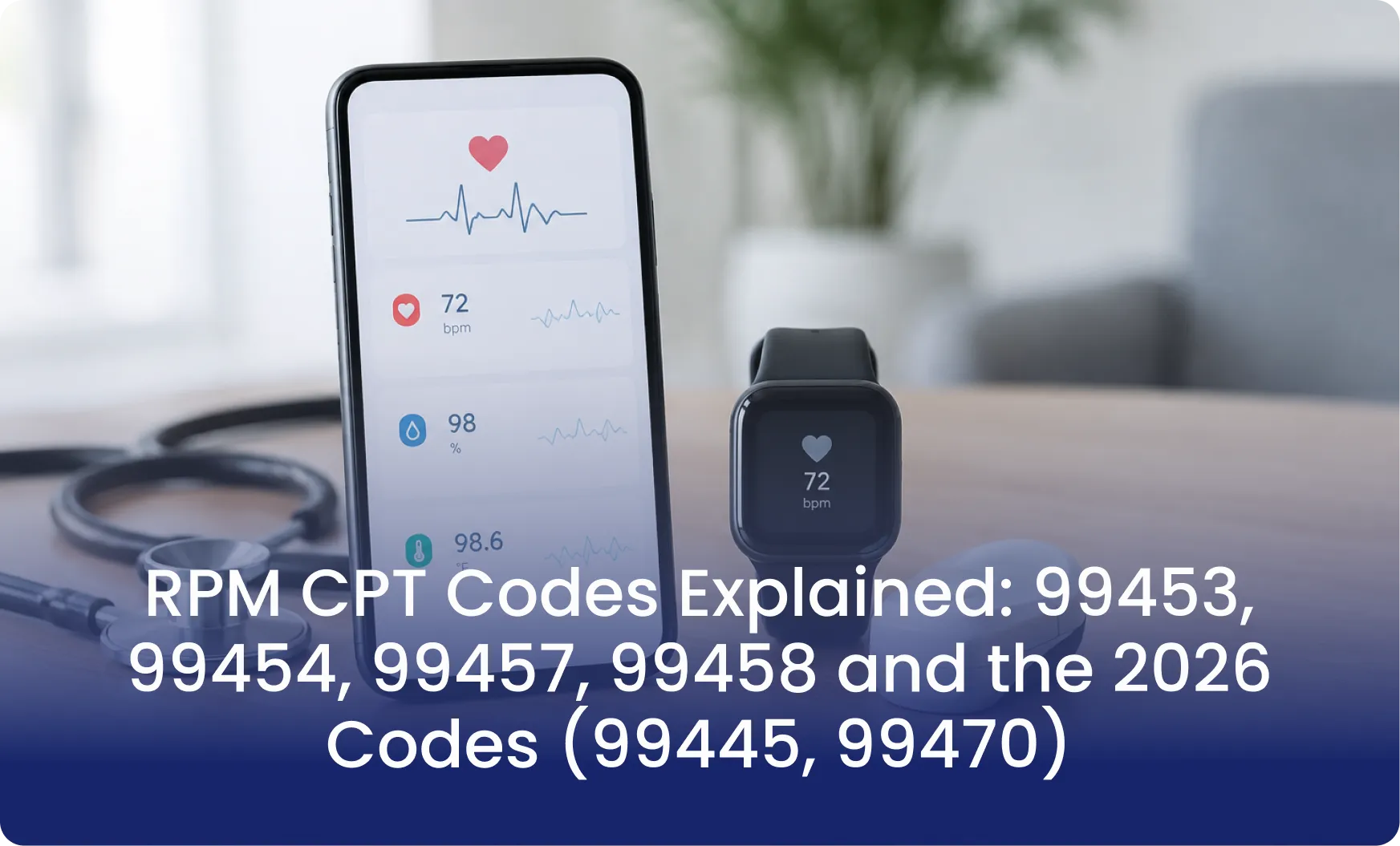
Doctors use these standard codes to bill for remote tracking:
- Code 99453: Setting up the patient’s device and teaching them how to use it.
- Code 99454: The provider supplies one or more devices for remote physiologic monitoring that occurs for 16 to 30 days in a 30–day period.
- Code 99457: The service requires at least one real–time interactive communication with the patient or caregiver during the month and at least 20 minutes of professional or clinical staff time.
- Code 99458: This code represents each additional 20 minutes of professional or clinical staff time beyond the primary service time.
What Changed in 2026?
Medicare added two new options to make billing more flexible:
- Code 99445: This is a breakthrough for patients who struggle to use their devices every day. If a patient only sends data for 2 to 15 days in a month, doctors can still get paid. However, you cannot claim both this and the 16-day code at the same time.
- Code 99470: It covers the first 10 minutes of RPM treatment management in a calendar month, including the required real-time interactive communication.
The Chronic Care (CCM) Rules
For managing ongoing, long-term illnesses, the main codes are:
- Code 99490: The first 20 minutes of clinical staff time per month.
- Code 99439: Each additional 20 minutes of staff time.
- Code 99491: The first 30 minutes of direct time spent by a doctor or qualified professional.
- Codes 99487 and 99489: Special codes used for highly complex patient cases.
Key Takeaways
These actual payment amounts depend upon where your practice is located. Always use the official government lookup tool (the CMS Physician Fee Schedule tool) to find the exact rates for your area.
The 12-Point Checklist
1. Service model
Software-only vendors leave patient calls, data review, and time tracking to your staff. Full-service vendors take on those tasks. A strong vendor states its model in one sentence and puts the division of duties in the contract.
2. Device Connectivity
Cellular devices send data without Wi-Fi, Bluetooth pairing, or a smartphone app. App-based models depend on the patient’s home setup. Many older patients find app setup difficult. A strong vendor can explain exactly what the patient does from unboxing to first reading.
3. Regulatory Status of Devices
Ask for documentation instead of relying on a brochure statement. Confirm which devices are offered, such as blood pressure monitors, glucometers, pulse oximeters, and weight scales.
4. Clinical Review of Readings
Software can filter data, but a trained person should review it. A good service provider names the reviewer roles, the review schedule, and the process for filtering false alarms and accidental misreads.
5. Alert Thresholds and Escalation
Your physicians should set the thresholds. A trained service provider passes only actionable alerts to your triage nurse, with clear notes. Ask about escalation speed and after-hours handling.
6. Patient Engagement and Retention
Enrollment is easy. Keeping patients active is harder. A strong vendor monitors transmission gaps and calls patients who go several days without a reading. Ask for the vendor’s retention data at month three.
7. Time Tracking and Documentation
Management codes depend on documented time. A good report lists minutes by activity, the staff member, the date, and the supported codes. Reports for RPM and CCM must remain separate when a patient is enrolled in both, because staff minutes counted toward one service cannot be counted again toward the other.
8. Coding Currency
The CY 2026 Medicare Physician Fee Schedule final rule, finalized on October 31, 2025, introduced two RPM codes. CPT 99445 covers device supply for 2 to 15 days of data in a 30-day period.
CPT 99470 covers 10 minutes of management time in a calendar month. CPT 99454 still applies to 16 or more days of data, and 99445 and 99454 cannot be billed for the same period.
9. Privacy and Security
HIPAA compliance should be confirmed in writing. Ask about consent documentation, data storage, and access controls.
10. Pricing
Compare flat fees, per-patient fees, and revenue-share models side by side. Ask whether devices, replacements, and shipping are included. Ask what happens in a month when a patient does not meet billing thresholds.
Treat any guaranteed revenue figure with caution, because reimbursement depends on documented care, patient eligibility, and payer rules. Confirm local rates with the CMS Physician Fee Schedule lookup tool.
11. EHR integration and workflow fit
Direct integration reduces manual entry. Summaries that require manual entry add staff hours each month. A strong vendor describes the exact workflow, from eligibility list to enrollment to monthly billing summary.
12. Support, references, and exit terms
Ask for support hours, an account contact, and references from practices in your specialty and state. Review contract length, termination terms, and data ownership.
Applying the Checklist to a CCM Provider Comparison
A CCM provider comparison should add four checks to the list above. Ask who makes the monthly calls and whether they are clinically trained. Ask how the vendor maintains each patient’s care plan. Ask how it tracks time against CCM thresholds, such as the 20 minutes required for CPT 99490. Ask how it prevents overlap with RPM minutes.
Practices should also remember that billing practitioners remain responsible for the services billed under their names. A service provider supports the work, but it does not replace clinical oversight.
Red Flags That Lower a Vendor’s Score
When you get an unclear response about who reviews the data, it often hints at software-only filtering. If they refuse to share sample documentation, that’s definitely a red flag. The same goes for contracts that lack clear performance terms.
And let’s not forget about rankings that don’t reveal their criteria; they really need to be looked at closely. Even a list of the top RPM and CCM providers should clearly explain how the vendors were evaluated.
Work With Mediremote to Simplify Your Remote Care Operations
If you’re starting a new RPM program, expanding your chronic care services, or on the lookout for a dependable partner, 2026 is the perfect moment to invest in a smart, scalable, and sustainable solution.
Mediremote’s RPM, CCM, and RTM software offers a patient-focused platform that includes comprehensive healthcare programs, enhanced monitoring, and better outcomes. We’re excited to lead the charge in remote patient care!
FAQs
1. What should I look for when comparing the top RPM and CCM providers?
When comparing top RPM and CCM providers, you need to evaluate how well their software, hardware, and clinical workflows protect your revenue, engage patients, and integrate with your practice.
2. Can a patient be enrolled in RPM and CCM at the same time?
Yes, a patient can be enrolled in and billed for both Remote Patient Monitoring (RPM) and Chronic Care Management (CCM) at the same time
3. What are the new RPM codes in the 2026 Medicare Physician Fee Schedule?
CPT 99445 pertains to device supply for 2 to 15 days of data within a 30-day timeframe. Meanwhile, CPT 99470 accounts for 10 minutes of management time in a calendar month.
4. Who qualifies for chronic care management?
To qualify for Medicare’s Chronic Care Management (CCM) program, a patient must meet the core requirements set by the U.S. Centers for Medicare & Medicaid Services (CMS)
5. Do cellular RPM devices need Wi-Fi or a smartphone app?
No, these devices do not require Wi-Fi or a smartphone application to function
Final Recommendations
The top RPM and CCM providers earn their standing through daily operations: dependable devices, human review of readings, active patient follow-up, and clean documentation. Features matter less than who does the work.
Decide your preferred service model first. Score every company on the same 12 points. Verify billing claims against current CMS rules, and get every commitment in writing.
To see how a full-service model works in practice